Recurring Invoices
Turn an invoice into a schedule that creates the same invoice again every period, and manage or stop it later.
A recurring invoice is an ordinary invoice with a schedule. Prospect creates a new invoice from it each period, for example for a monthly maintenance fee.
You need: the Sales permission, the customer, the items, and an active Invoice document series.
Create a schedule
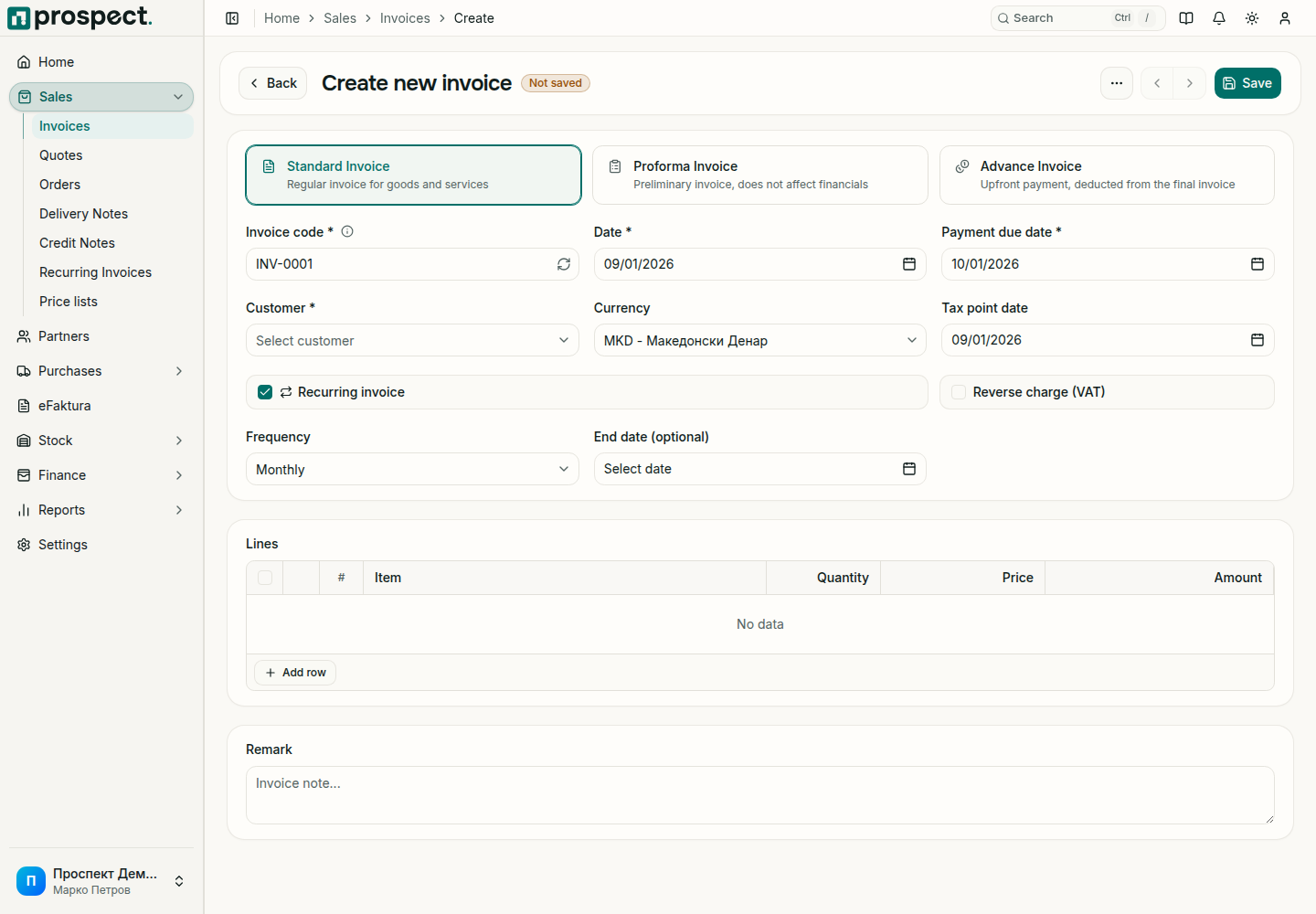
Open Sales → Recurring Invoices and choose Create, or start any new invoice from Sales → Invoices.
Tick Recurring invoice. Choose the Frequency and, if the agreement ends, an End date (optional).
Review and manage
Sales → Recurring Invoices lists every schedule with its customer, Frequency, Status, Next date, End date, amount and the invoices it has generated. Open a schedule and choose Manage schedule to:
| Action | Result |
|---|---|
| Change Next date or the end date, then Save schedule | Future invoices follow the new dates. |
| Pause schedule | No invoices are created until you choose Resume schedule. |
| Stop schedule | The schedule ends. Invoices already created are kept. |
A schedule that has reached its end date is completed and creates nothing further.
What a generated invoice is
Each generated invoice is a normal invoice linked to its schedule. It gets its number from the Invoice series and follows the same rules for confirmation, email, credit limits and eFaktura as any other invoice. Review it before it goes to the customer.
Changes to the schedule affect future invoices only. Invoices that already exist keep their content.
If an invoice is missing
Check that the schedule is active and not paused, that its Next date has passed, and that the customer and items are still active. Generation runs automatically in the background, so an invoice due today may appear later the same day. If nothing appears, contact support with the schedule's invoice code.