eFaktura
eFaktura Overview and Prerequisites
Understand Prospect's North Macedonia eFaktura scope, directions, environments, signing, and responsibilities.
Prospect connects eligible sales and purchase documents to North Macedonia's UJP eFaktura service. The feature is regional and requires a registered company identity, UJP access, current reference data, mappings, and an authorized signing setup.
eFaktura workspace
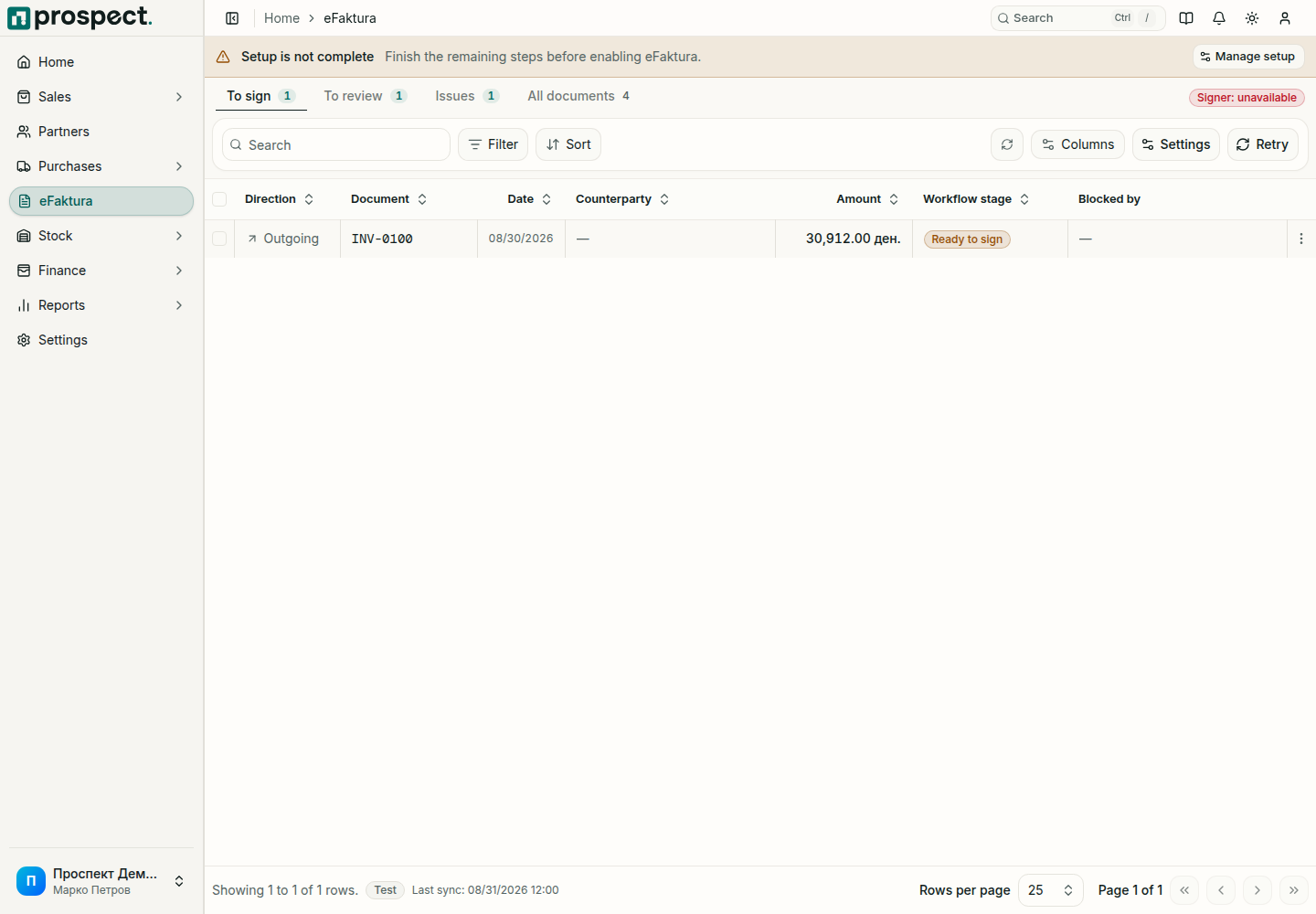
- Inbound: sync supplier eFaktura records, review identity and mappings, accept or reject where allowed, and import a local supplier-document draft.
- Outbound: prepare an eligible published sales invoice, sign it locally, submit it, and synchronize UJP status.
- Test and Live: keep environments separate. Passing test diagnostics does not submit a live document.
Prospect displays synchronized UJP status but UJP remains authoritative for government receipt and processing. Users must verify recipient, amounts, tax treatment, signing authority, and final status.
Start with Setup, then Local signer.