Stock Movements and Warehouse Transfers
Trace every inventory change and transfer products between warehouses safely.
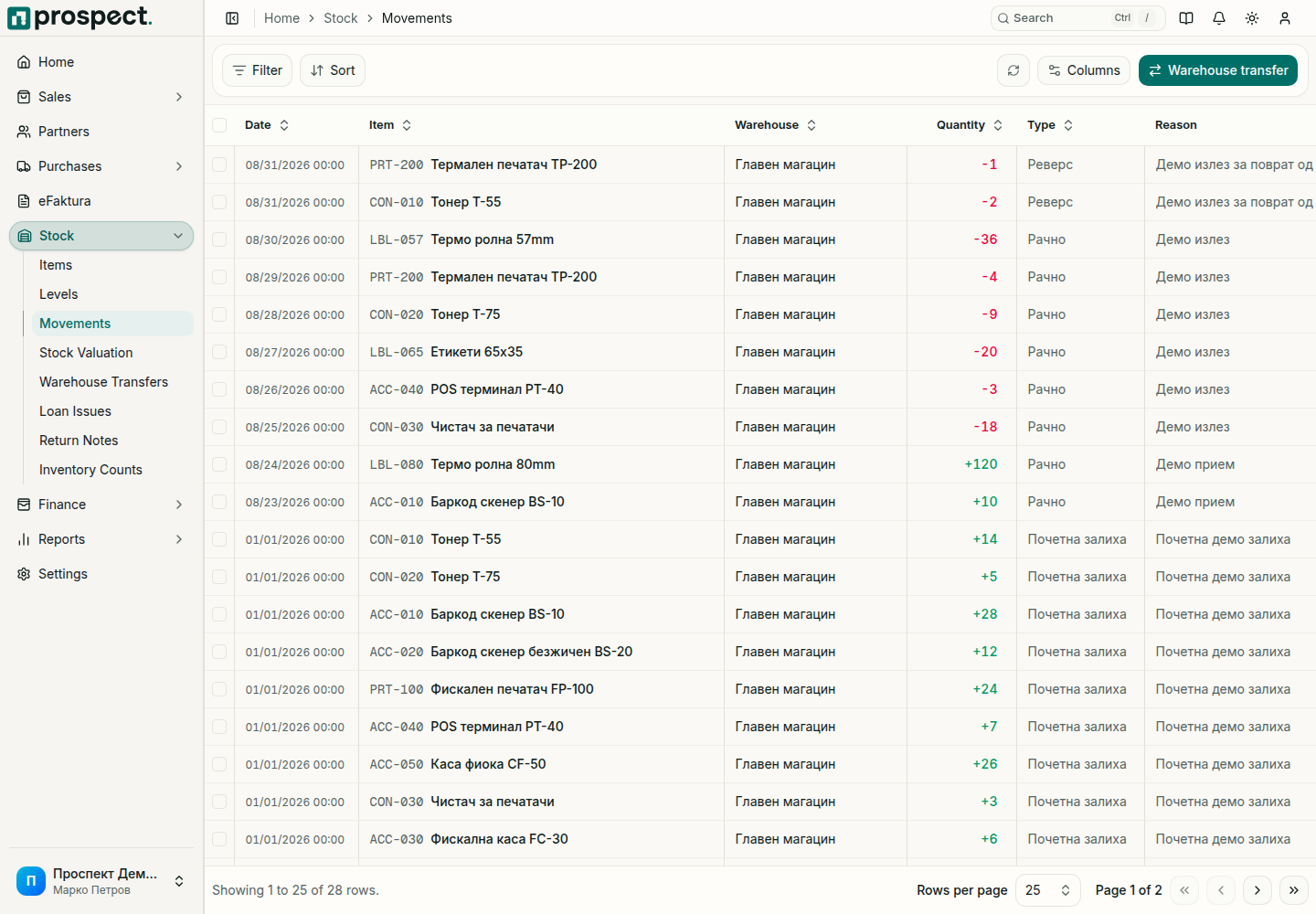
The movement list includes opening quantities, receipts, deliveries, returns, reversals, counts, adjustments, and transfers. Filter by item, warehouse, type, source, or date, then follow the source link before correcting anything.
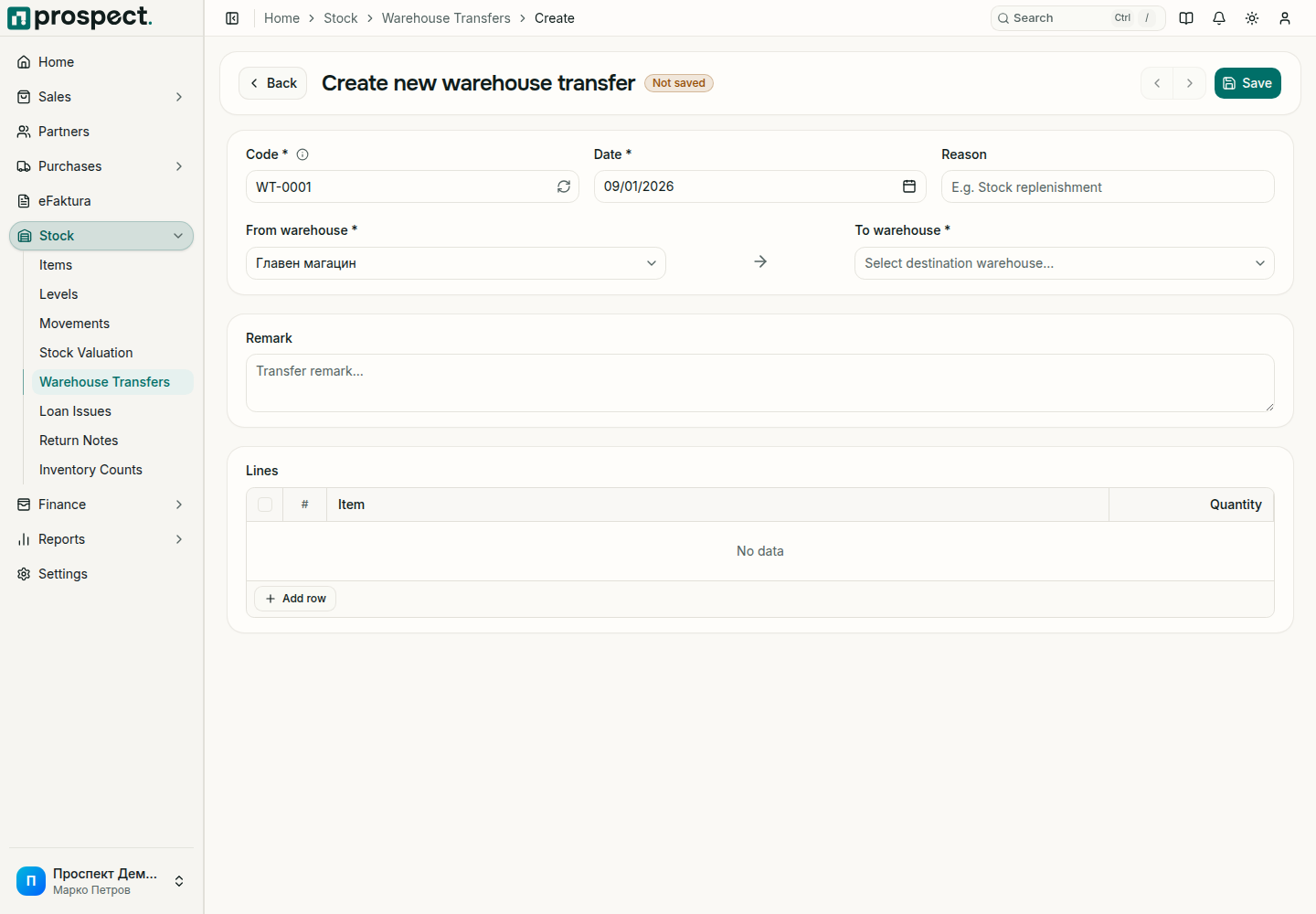
Transfer stock
Select different source and destination warehouses and the actual movement date.
Add product quantities and confirm availability in the source warehouse.
Save the draft, then confirm it. Confirming assigns the transfer number and posts both sides to movement history.
Each transfer is a numbered document. A confirmed transfer cannot be edited; reverse it to move the stock back to the source warehouse. An open transfer can be downloaded as a PDF using the selected template.
Transfers do not create purchases, sales, receivables, or payables. Insufficient source stock or a locked period blocks posting unless the user has the matching override permission. Use the original business document—not an arbitrary adjustment—when a sale, purchase, return, or count caused the change.