Invite Your Team and Assign Permissions
Invite members, choose roles, and grant least-privilege access to Prospect modules and actions.
Only owners and administrators can manage members. Open Settings → Users.
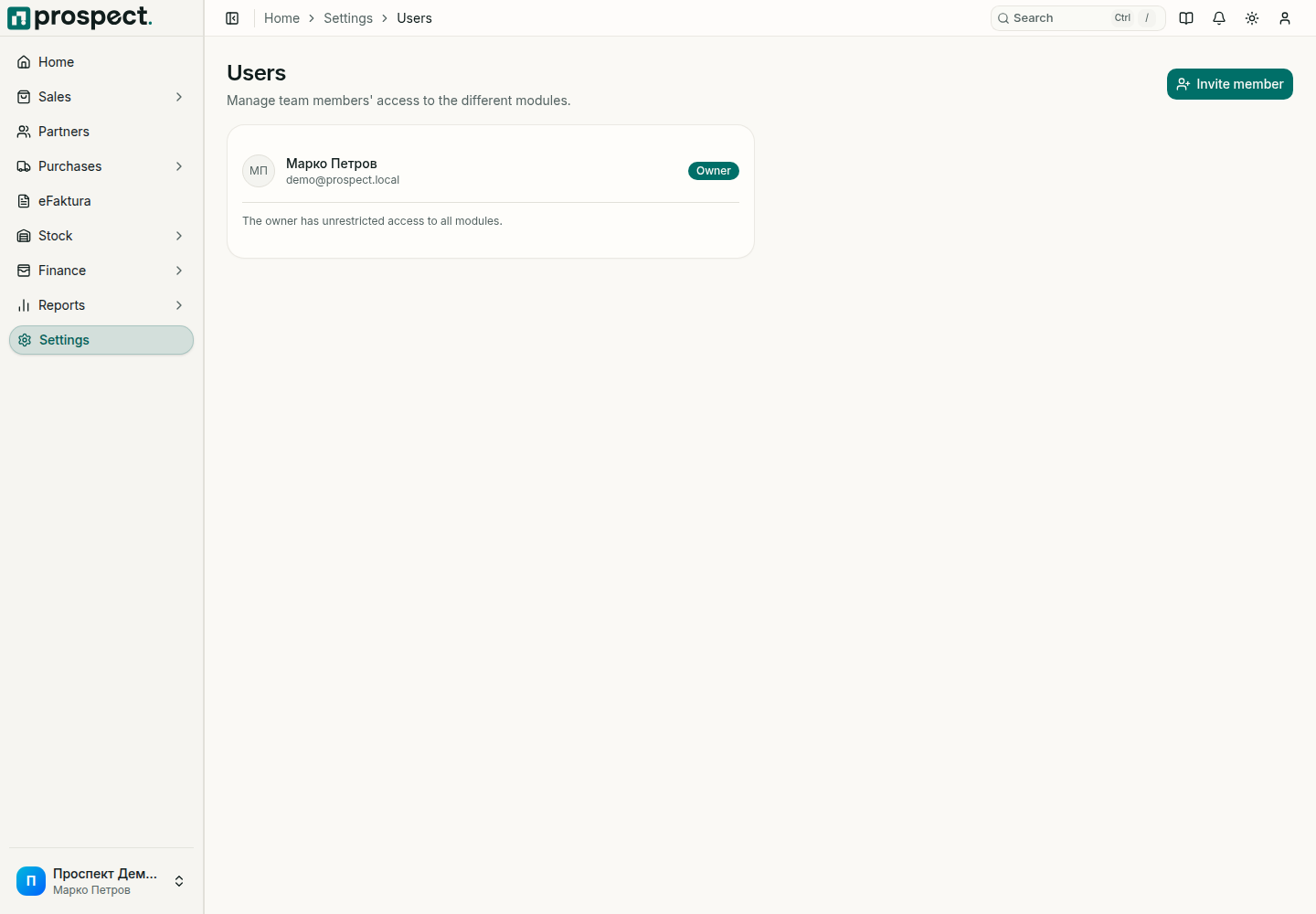
Invite safely
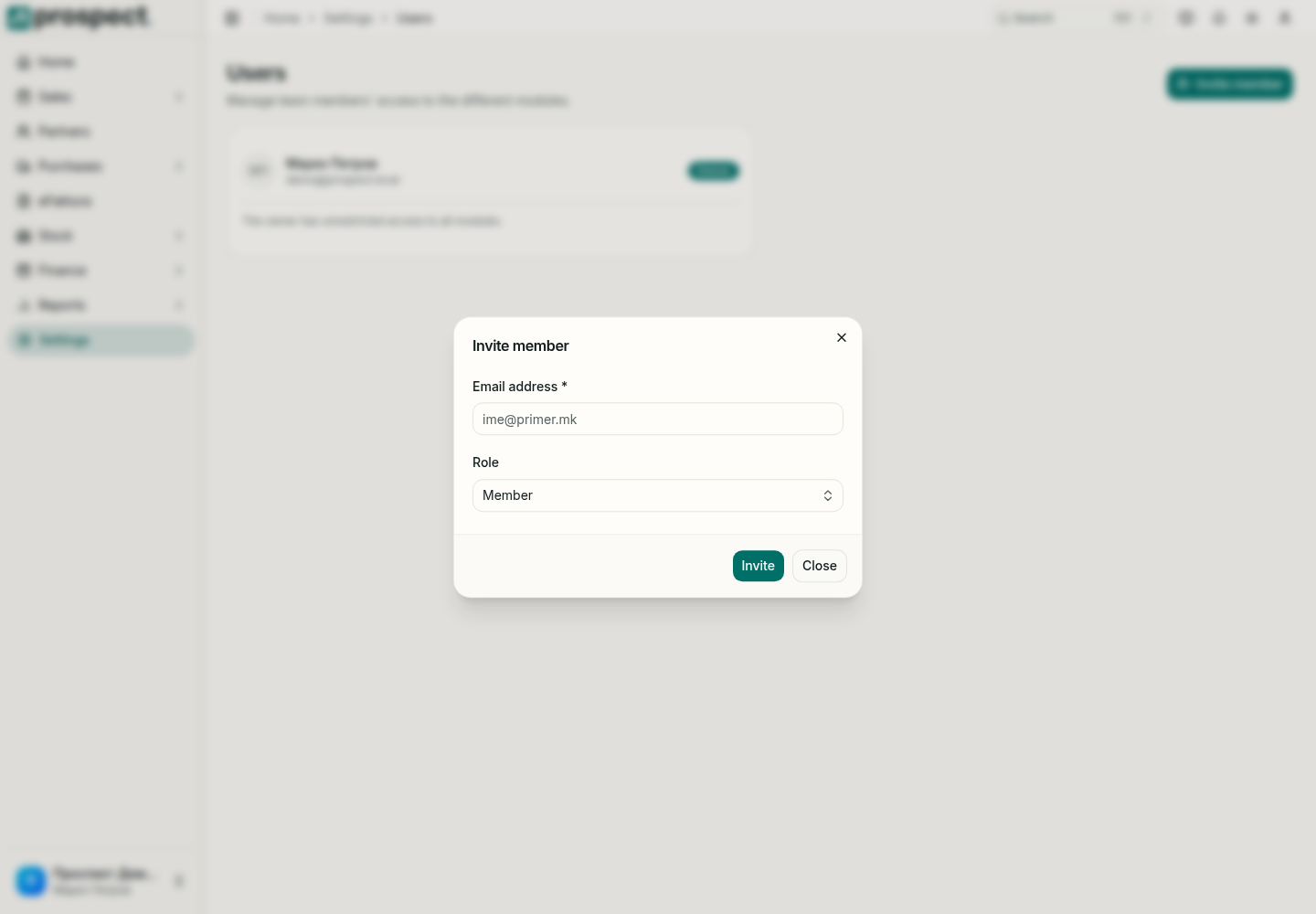
Enter the colleague's exact business email and send the invitation.
Select the appropriate role. Owners and administrators have company-wide access; members are permission-scoped.
For a member, enable only the required modules: Partners, Stock, Sales, Purchases, Finance, or Reports.
Grant sensitive actions separately, such as publishing, cancelling, reconciling, reversing, posting counts, or overriding limits and locked periods.
Ask the recipient to accept using the invited email, then test the intended workflow.
Removing a permission hides navigation and blocks the corresponding server action; it does not alter documents the member created earlier. Review access when responsibilities change and avoid sharing owner accounts.
See Activity log for recorded changes.